Frame
Stills, product
shots, key visuals
A new perspective is coming into focus.
Frameflow turns rough concepts into images, motion studies, product scenes
and campaign directions, without slowing down the creative process.
Six connected tools, from the first still to a story worth sharing.
Explore the workflowStills, product
shots, key visuals
Short studies and
loop concepts
The place ideas
get compared
Visual language
you can reuse
Products placed
in built worlds
Sequence before
you shoot
Start loosely, compare openly, and give the strongest idea room to grow.
Find your creative route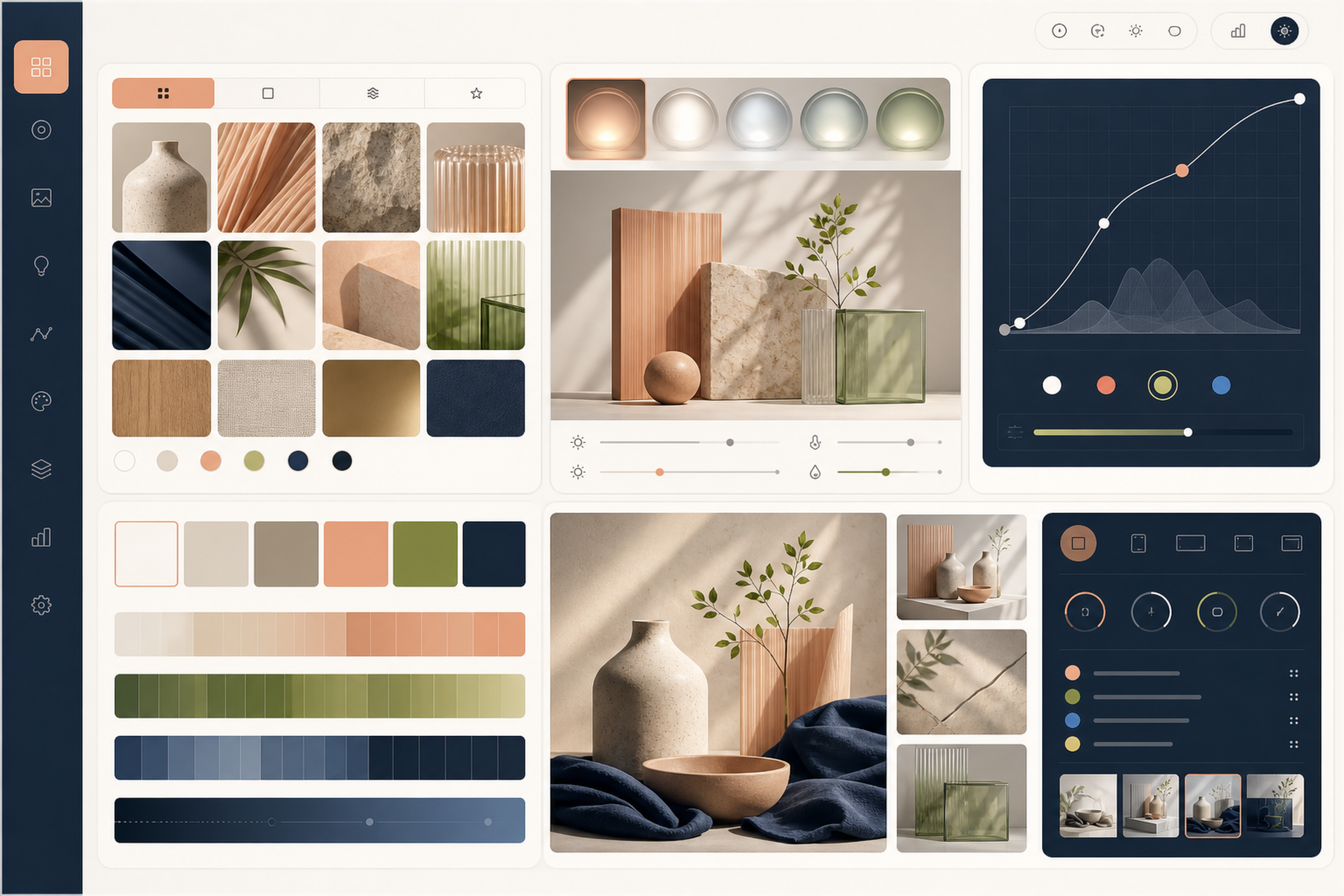
Explore a direction, build a scene, add motion, and keep your visual language connected.
Try the canvas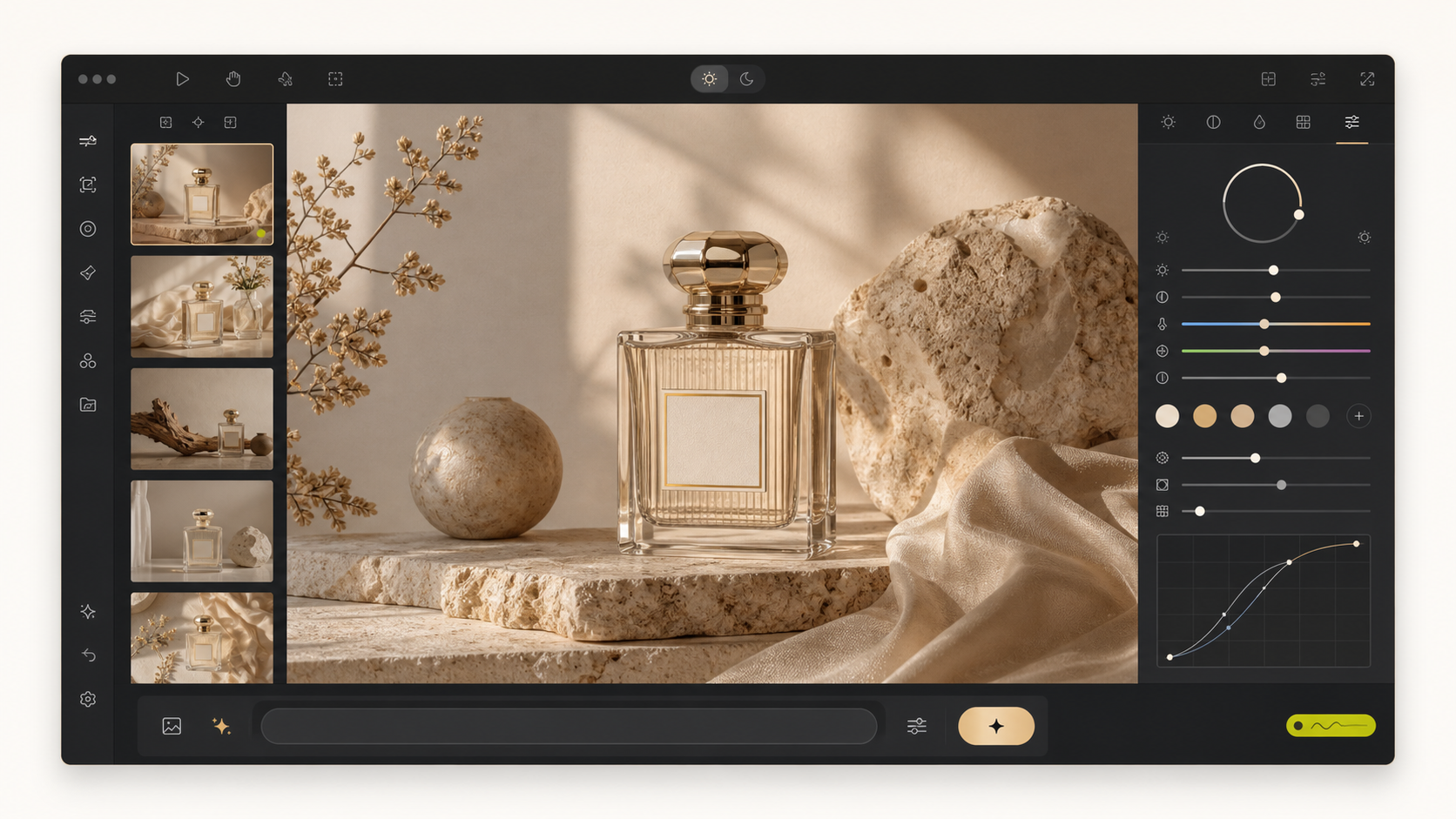
01 / VISUAL DIRECTIONS
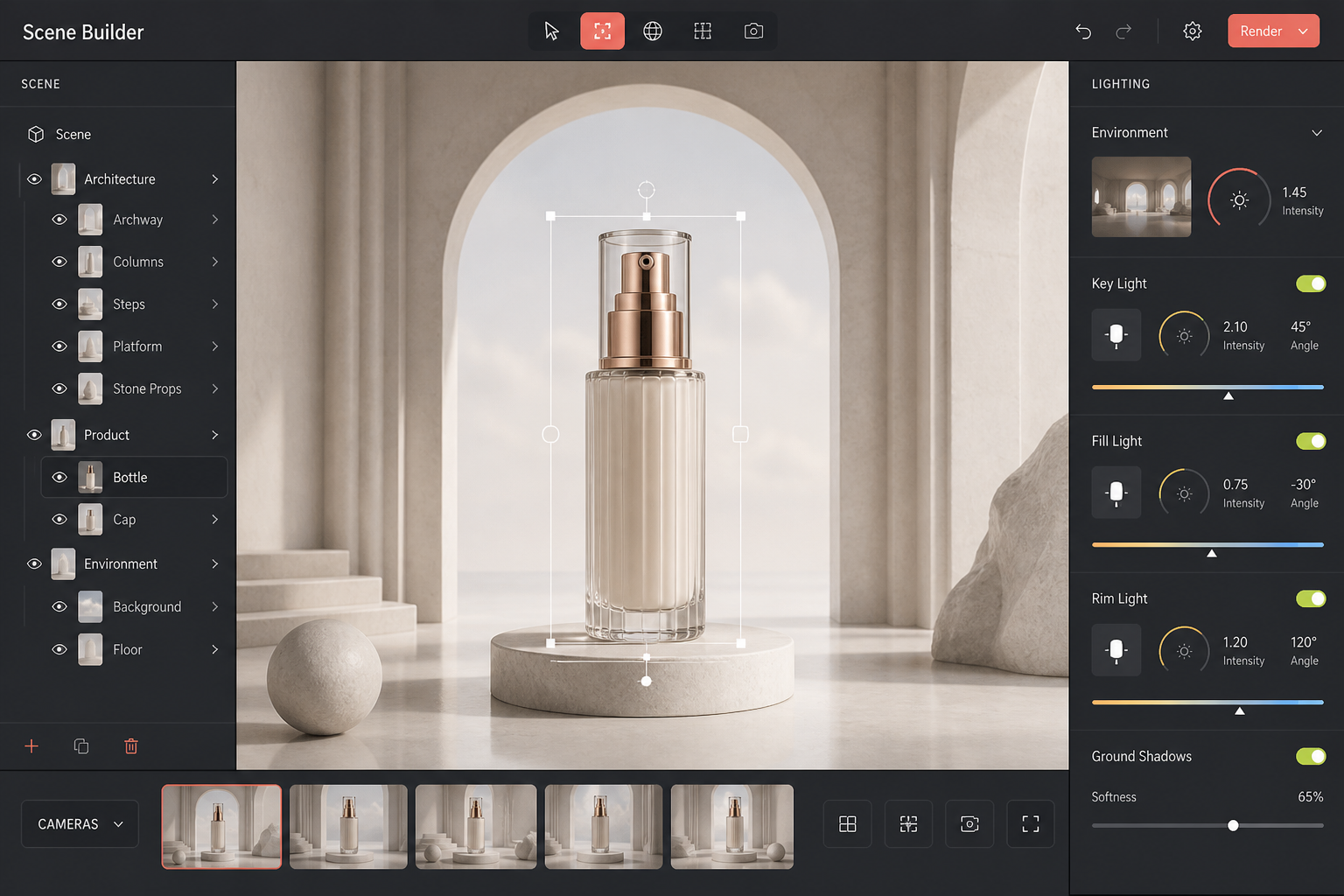
02 / SCENE BUILDER
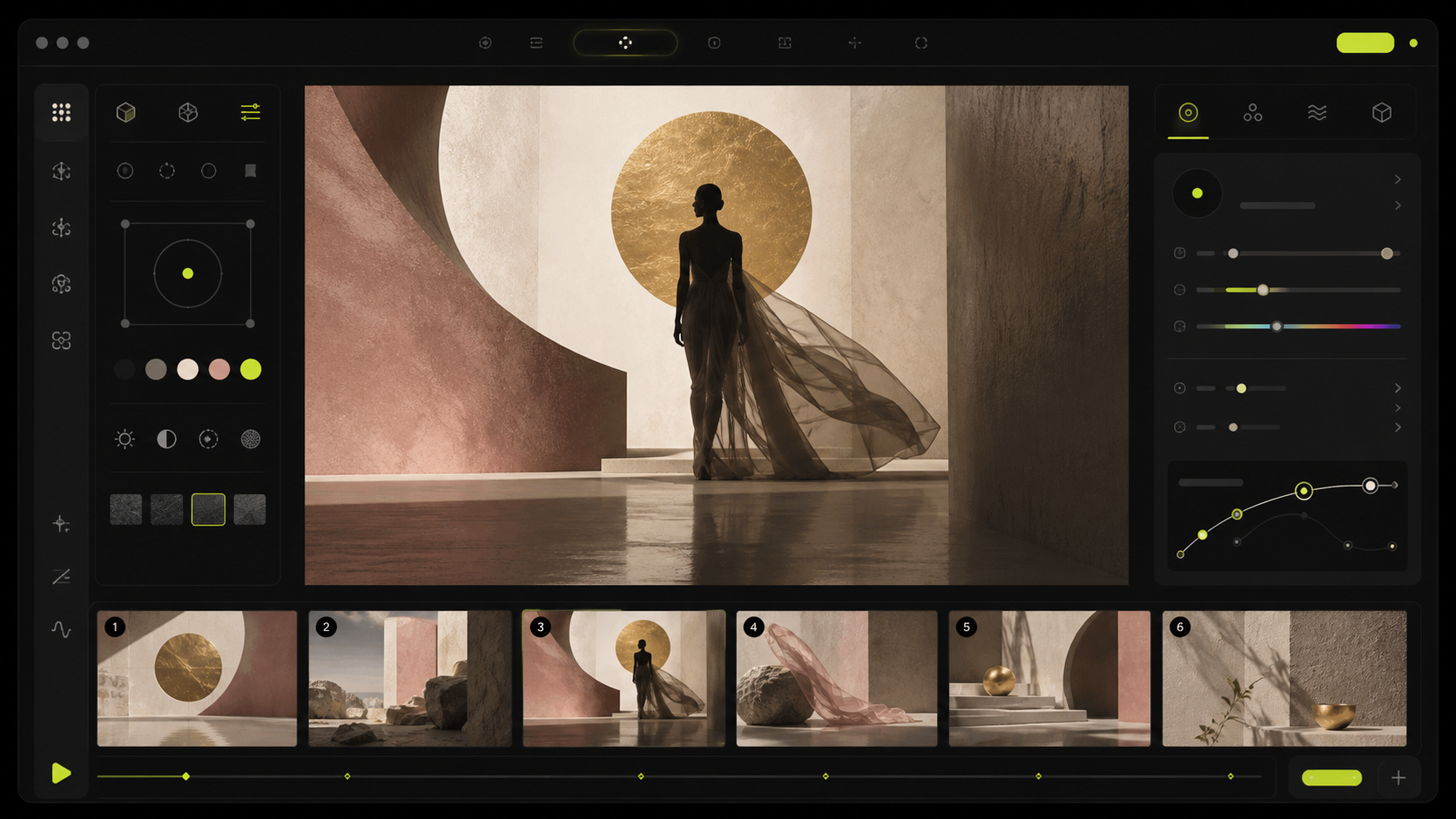
03 / MOTION STUDIES
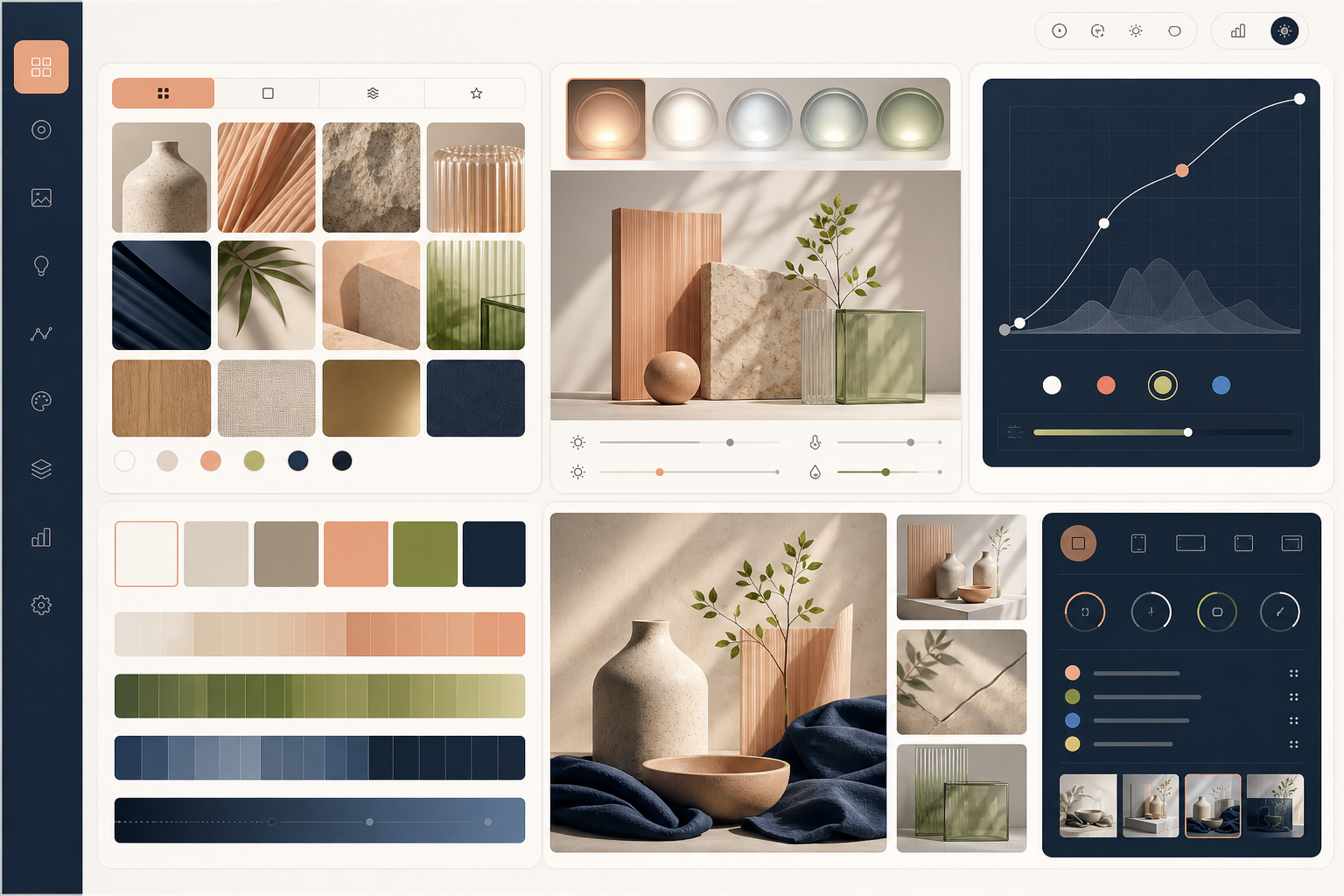
04 / BRAND MEMORY
Keep references, active explorations, and aesthetic controls together in one workspace.
Explore the interactive canvasSelect a frame, then adjust its light and composition.
One workspace, shaped around the creative decision in front of you.
See work made with FrameflowBuild the whole visual argument while the budget is still a conversation. Show the idea at full strength on day one.
A change in light, form, or feeling can open up an entirely new possibility.
See the impactMake room for more directions before committing to production.
See how the workflow comes togethermore directions explored
per brief
faster to a client-ready
visual
less spend on
exploratory production
days saved on an
average campaign
Self-reported by 312 teams on Creator and Team plans, over their first 90 days.
A simple rhythm for turning possibilities into a direction you can share.
Explore the finished framesA sentence, a sketch, a reference, a product, or an unfinished thought. Frameflow does not need it to be tidy.
Different worlds, same intent. Put them next to each other and let the weak ones lose honestly.
Adjust light, framing and material until the draft stops looking like a draft.
A little room between ideas makes it easier to see what each one could become.
Open a frameFRAME 01 / CLICK ANYWHERE OUTSIDE TO CLOSE
Different practices, shared momentum. A few perspectives from the people behind the work.
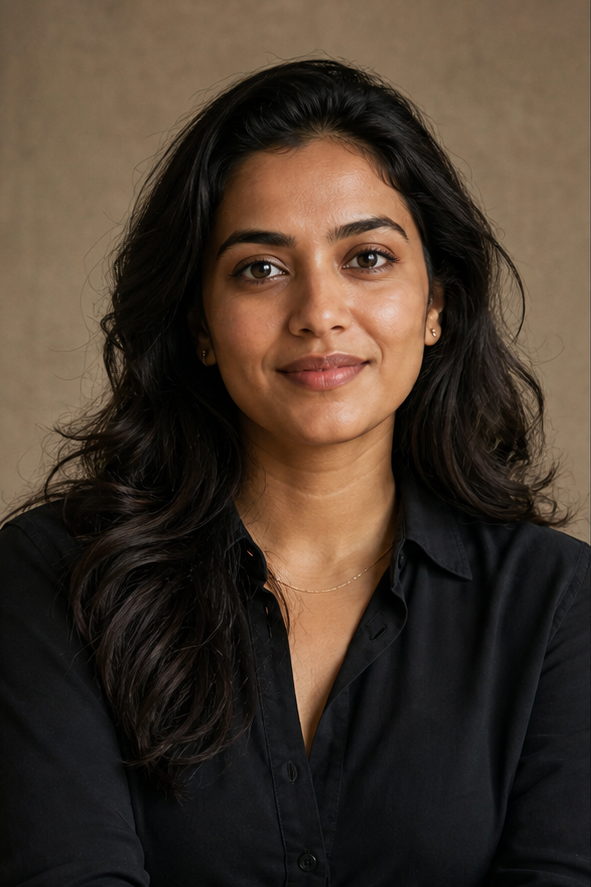
Find a plan for your practice“Frameflow changed the conversation in our first creative meeting. We showed actual directions instead of moodboards.
01 / CREATIVE DIRECTION
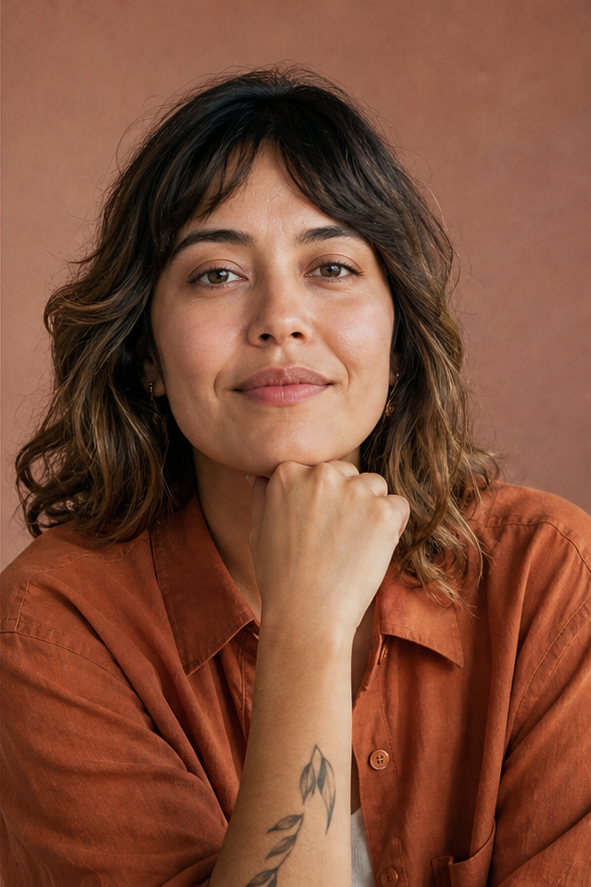
“We're exploring three times as many directions now without slowing down. The environment control works flawlessly.
02 / BRAND SYSTEMS
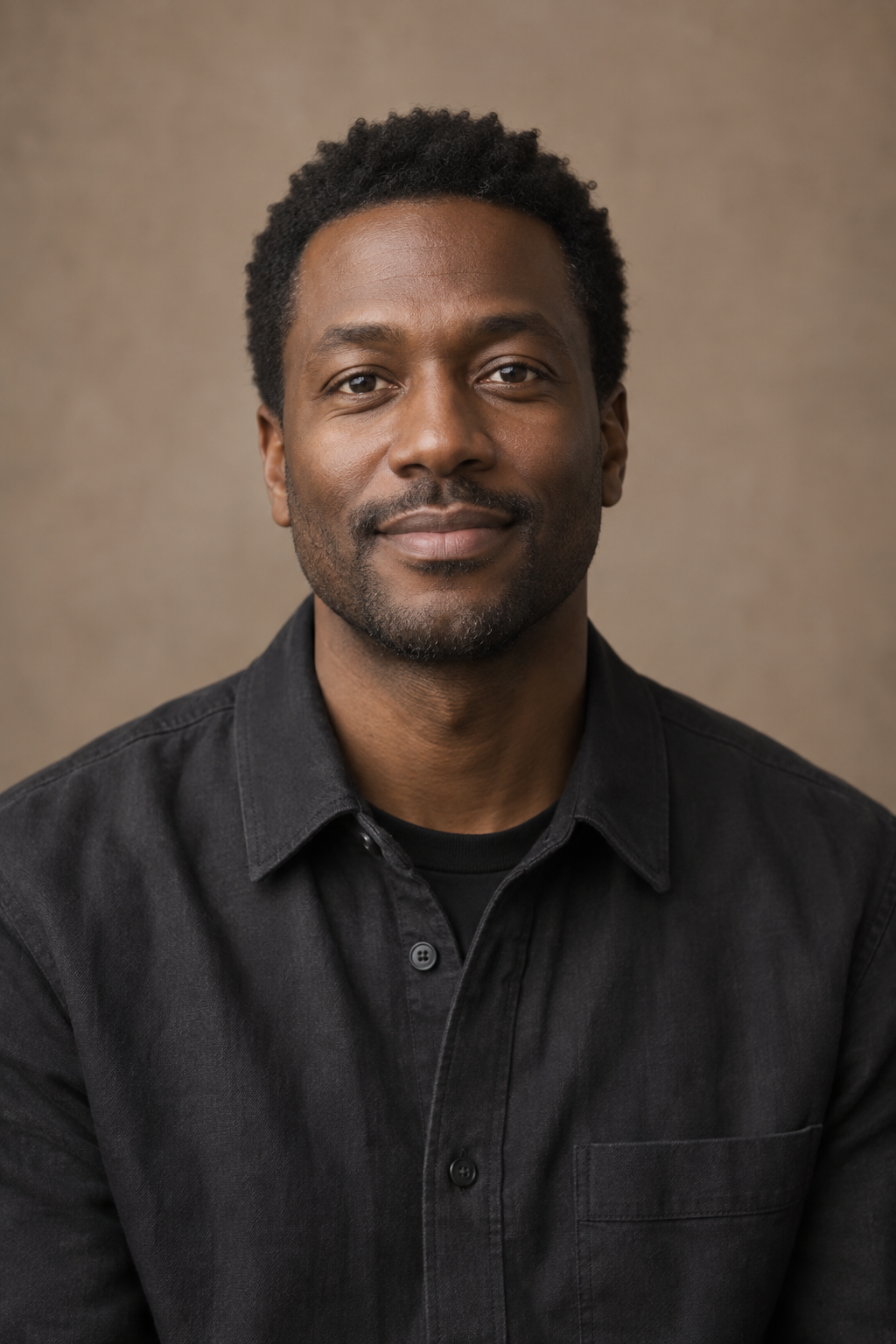
“It feels less like prompting an AI and more like maintaining a responsive, physical visual sketchbook.
03 / INDEPENDENT PRACTICE
“The best part is the space to compare. We can follow an unexpected direction without losing the idea we started with.
04 / CREATIVE EXPLORATION
Choose the space you need, from your first experiment to a shared studio practice.
A few useful details before you startFree
Creator MOST CHOSEN
Team
Prices in INR, billed monthly. Cancel whenever the project ends.
The useful details, so you can spend less time wondering and more time making.
Ask us a questionBring an image, a sentence, or a feeling you cannot quite name yet. Frameflow is designed to help you see it before you explain it.
Still unsure? Write to us directly at
hello@frameflow.studio
Yes. A sentence, sketch, reference, or loose feeling is enough to begin.
Campaign concepts, product stories, visual identities, motion studies, and presentation-ready key visuals.
Yes. Upload and organize references while Frameflow keeps their visual relationships in context.
Brand Memory carries palettes, grains, lighting rules, and styling decisions across projects.
Team plans include shared canvases, feedback, and reusable workspace memory.
Commercial licensing is available on Creator and Team plans.
Free plans include a monthly allowance; paid plans provide expanded or unlimited exploration.
Yes. High-resolution exports and organized deliverable bundles are available on paid plans.
YOUR NEXT DIRECTION / 01